arrow_back BACK_TO_DIRECTORY
Checking Disk Usage
Step 1: Open the Sub-account Management section.
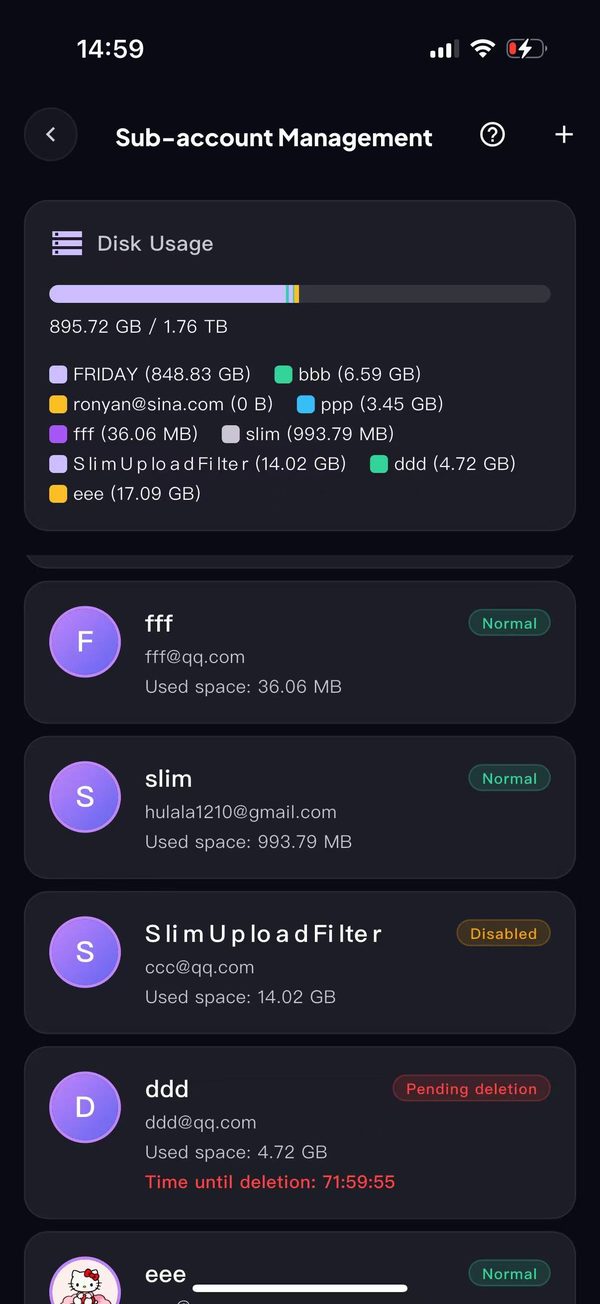
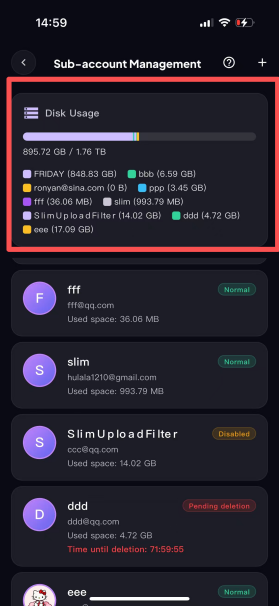
Step 2: The disk usage is shown at the top of the page.
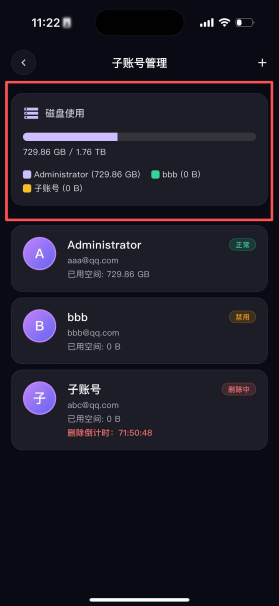
The current disk has a total capacity of 1.76 TB, of which 895.72 GB is used. The disk usage of each account is shown in the parentheses "()" and in the list below (as in the screenshot). For example, FRIDAY’s usage is 848.83 GB.