arrow_back BACK_TO_DIRECTORY
How to Restore Factory Settings
Factory reset is a one-click operation that wipes all parameters, stored data, and account configurations on the WITHBOX device and restores it to a fresh, blank state as it left the factory. It is the highest-level reset operation on the device.
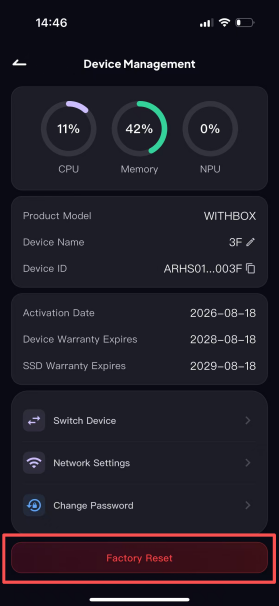
Step 1: Open the [Device Management] page and find the "Factory Reset" entry.
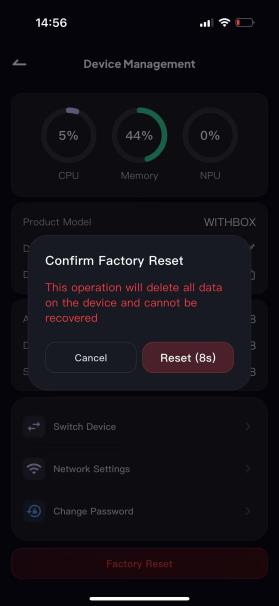
Step 2: After tapping it, a confirmation pop-up will appear. The Reset button has a 10-second countdown and can only be tapped once the countdown ends, to prevent accidental triggers.