How to Annotate Person Information in Images?
How to Annotate Person Information in Images?
Method 1 (From the Album Person Category Entry)
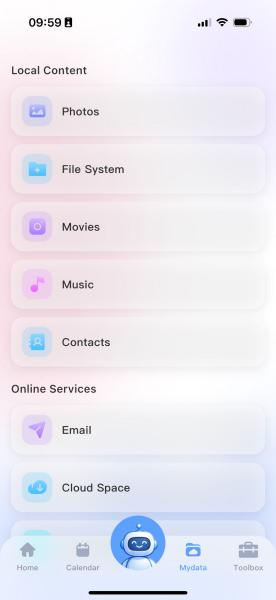
l Open the Gallery → Switch to the Album tab at the top → Locate the [Person] section
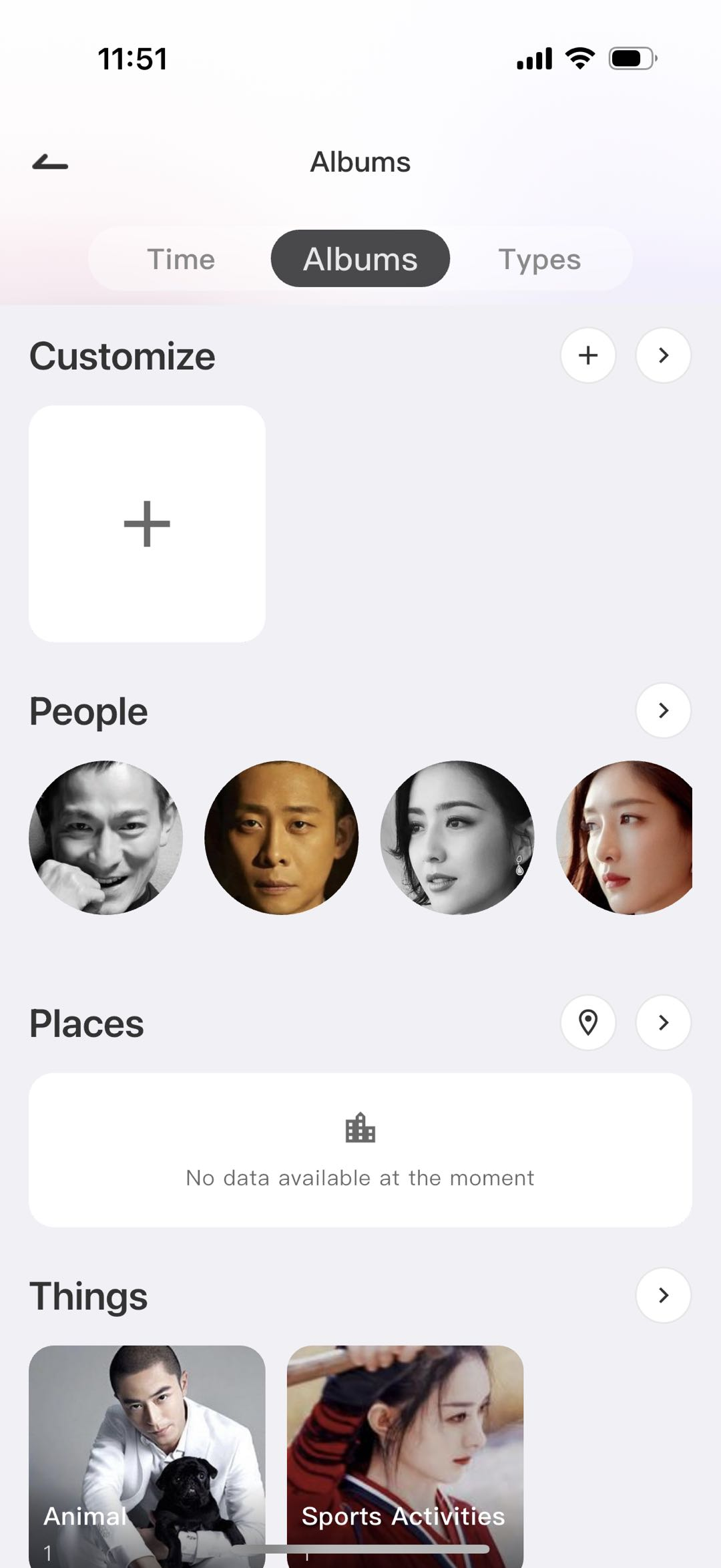
l Tap the corresponding person's avatar, then tap the three-dot menu in the upper-right corner → Edit Person, and fill in the name, birthday, and gender information.
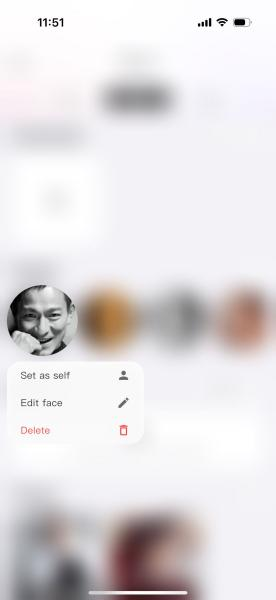
Method 2 (Quick Edit from Person List)
l Open the Gallery → Switch to the Album tab at the top → Find the [Person] section >, enter the full person list;
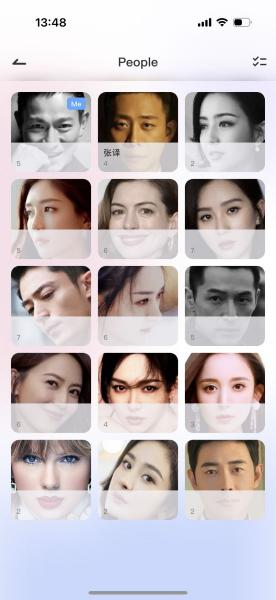
l Long-press the person's avatar you wish to edit, select Edit Person from the pop-up menu, and enter the person's information.