How to Bind Email on the Web?
How to Bind Email on the Web?
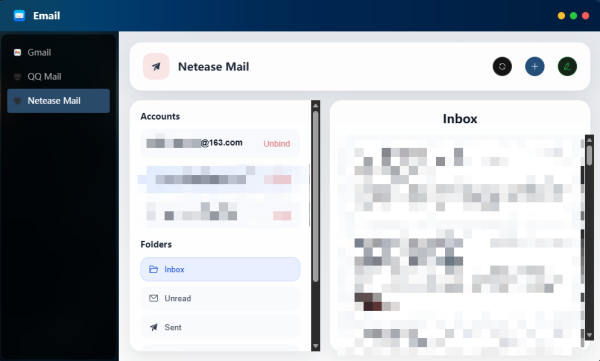
1. Open the application: Click the Email icon on the desktop to enter the email main interface.

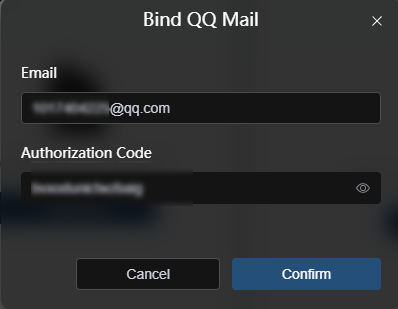
2. Bind QQ Mail
(1) Enter your QQ email address (@qq.com)
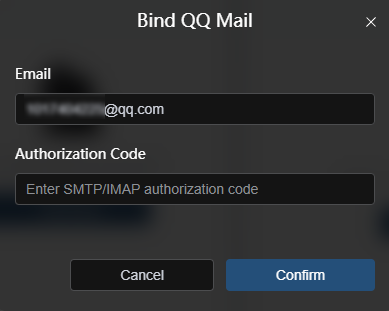
(2) Enter the authorization code
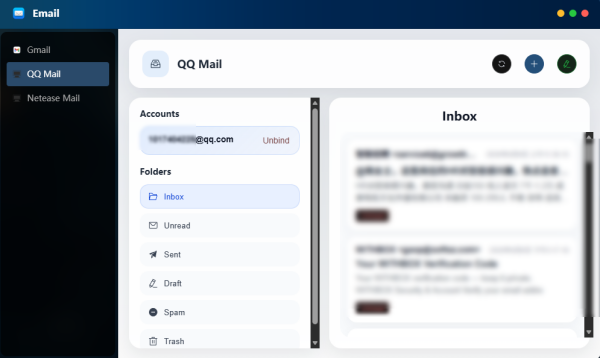
(3) You will then enter the email homepage
3. Bind NetEase Mail
(1) Enter your NetEase email address (@163/126.com)
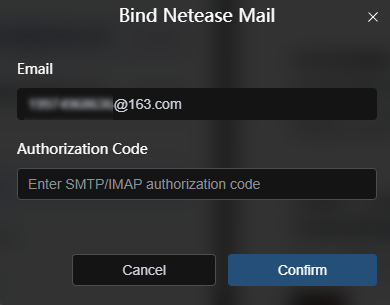
(2) Enter the authorization code
(3) You will then enter the email homepage