How to Create AI Notes on the Web?
How to Create AI Notes on the Web?
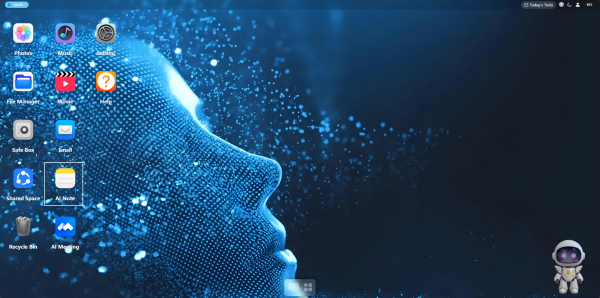
1. Open the "AI Notes" application on the desktop.
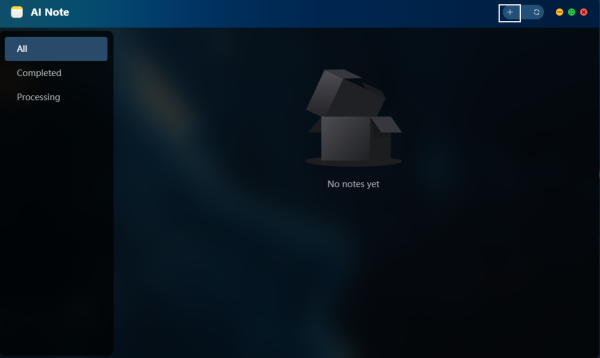
2. Click the "+" button in the upper-right corner to enter the new note page.
3. Upload a "Photo" as needed, and select "Mood" and "Style".
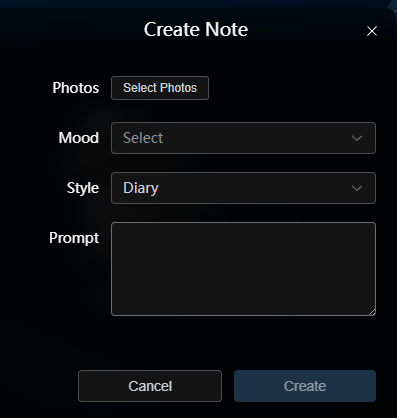
4. Fill in the "Prompt" to define the generation direction. For example: "A short note — this tiger is very strong."
5. Click "Create" and wait for AI to generate the note.
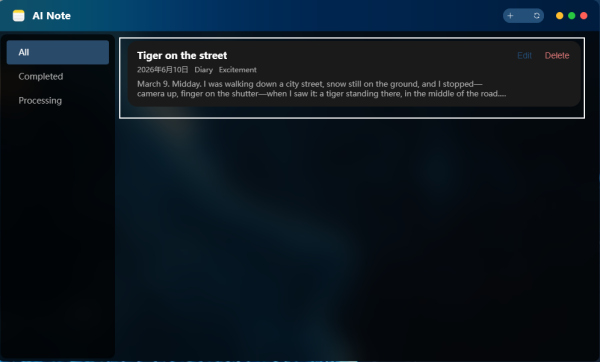
6. After generation, you can view, edit, or delete the note.