How to Edit Person Information on the Web?
How to Edit Person Information on the Web?
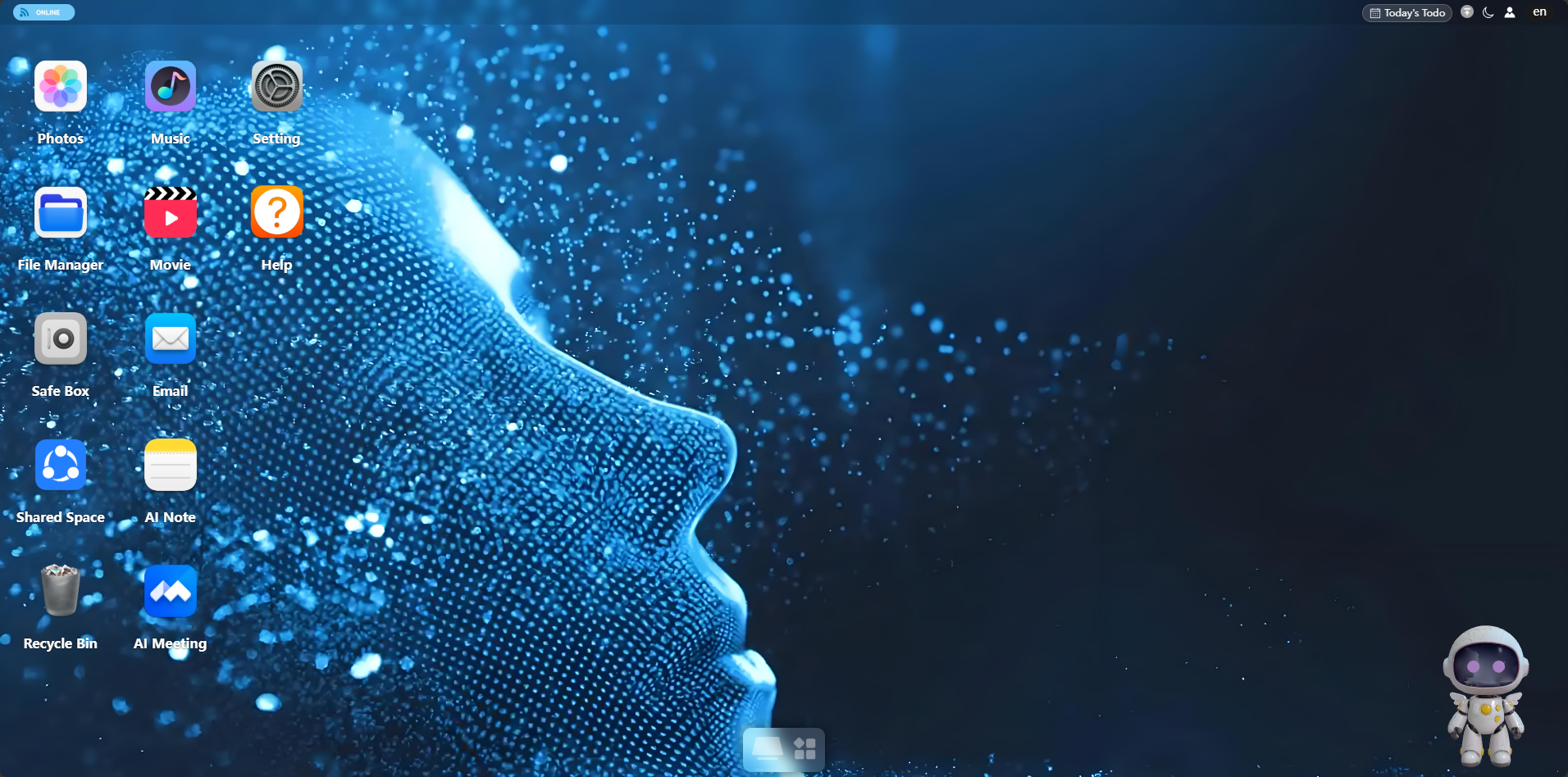
Step 1: Enter the Photos section.
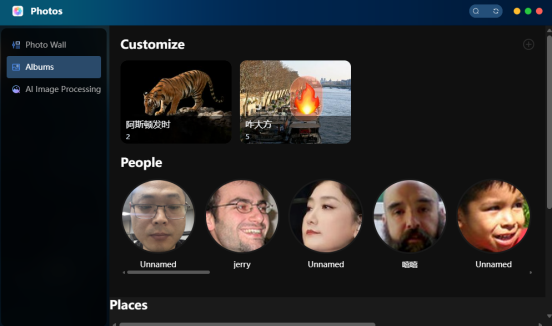
Step 2: Enter the People area in the Album section. The white rail at the bottom can be dragged left and right to select.
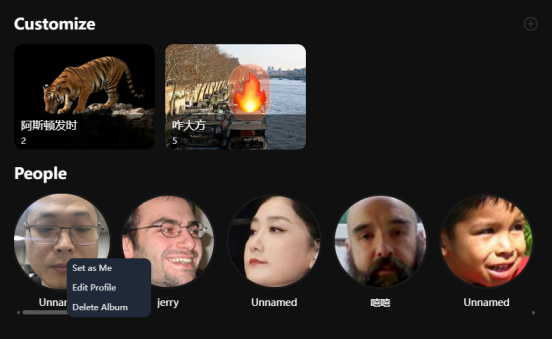
Step 3: Select the corresponding person's avatar, right-click → Modify Person, and then fill in information such as name, birthday, and gender.