How to Manage Sub-Accounts on the Web?
How to Manage Sub-Accounts on the Web?
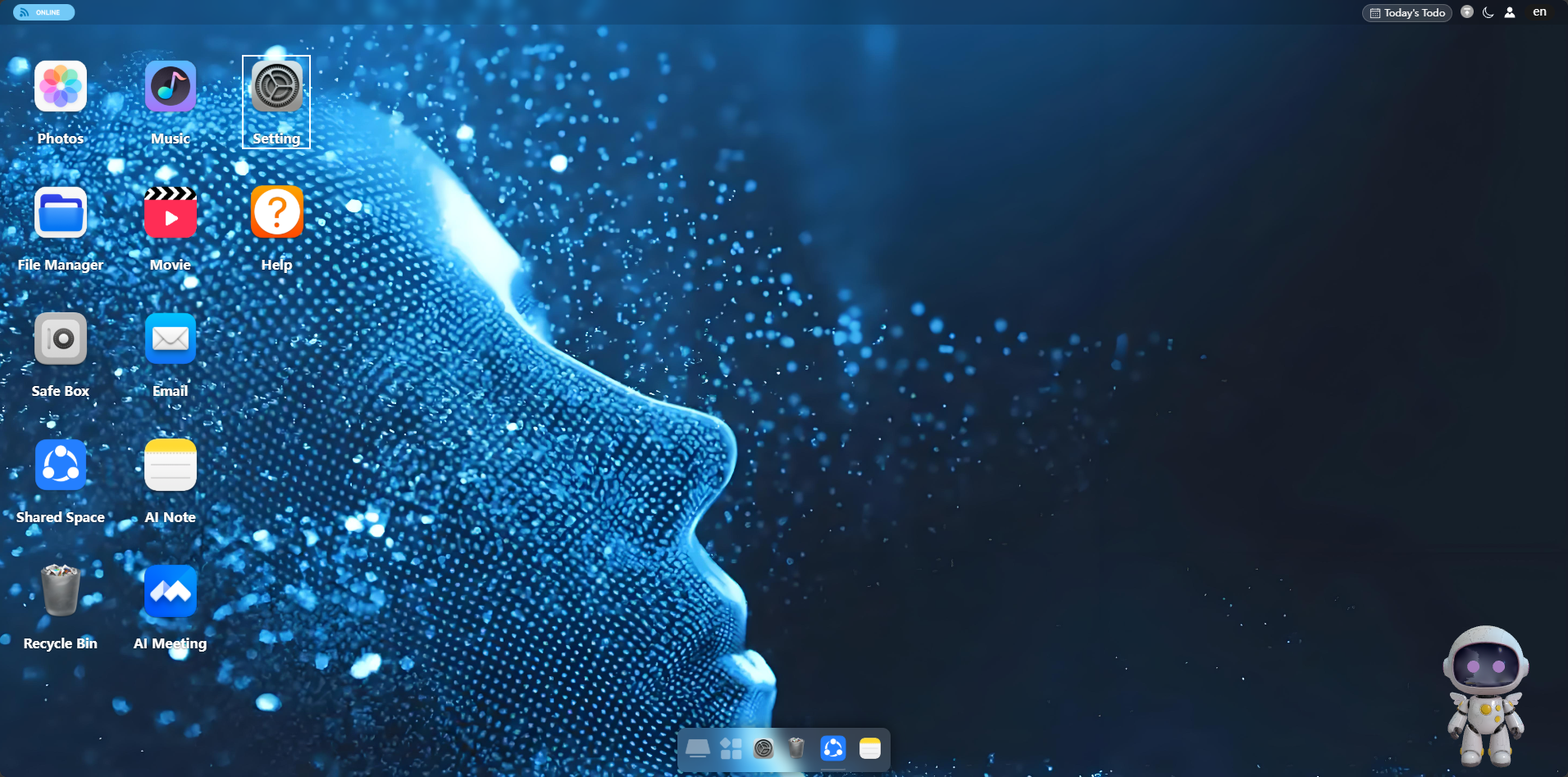
1. Log in to the web portal → Open "Settings"
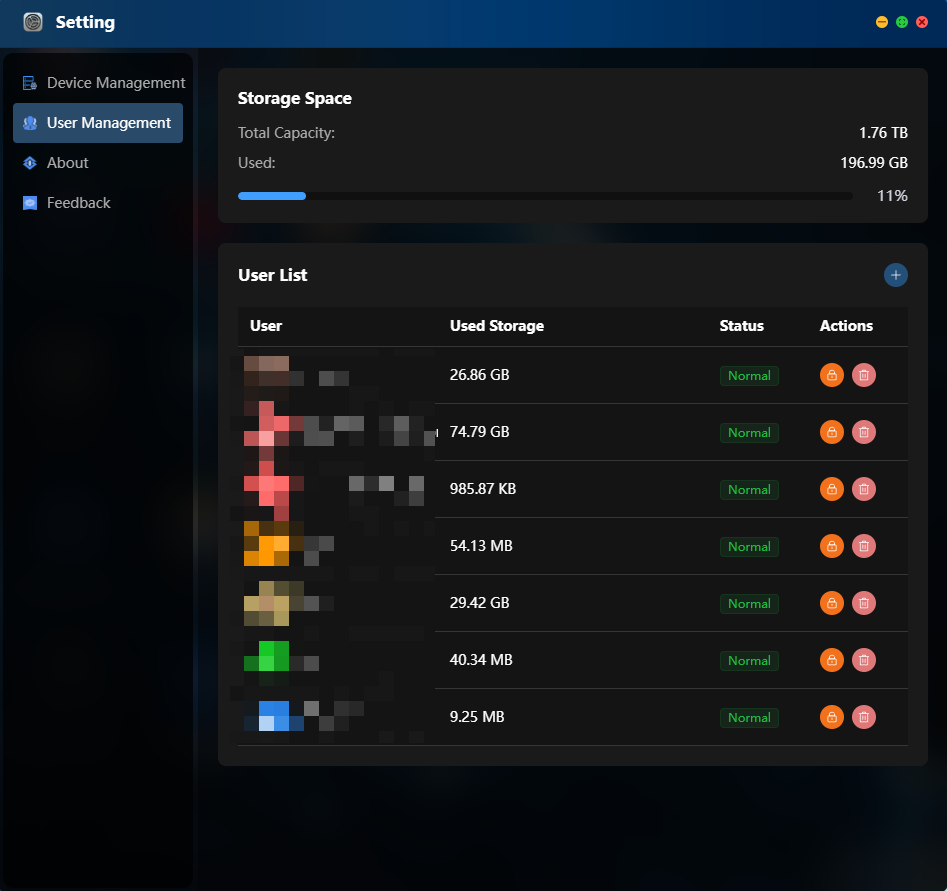
2. Enter "User Management". The account status and used capacity are displayed on the right side of the user list.
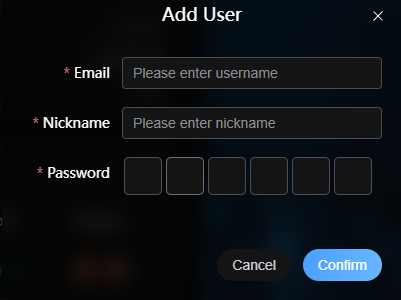
3. Add a sub-account: Click the "+" button in the upper-right corner → Fill in email/username, nickname, and password → Confirm to add.
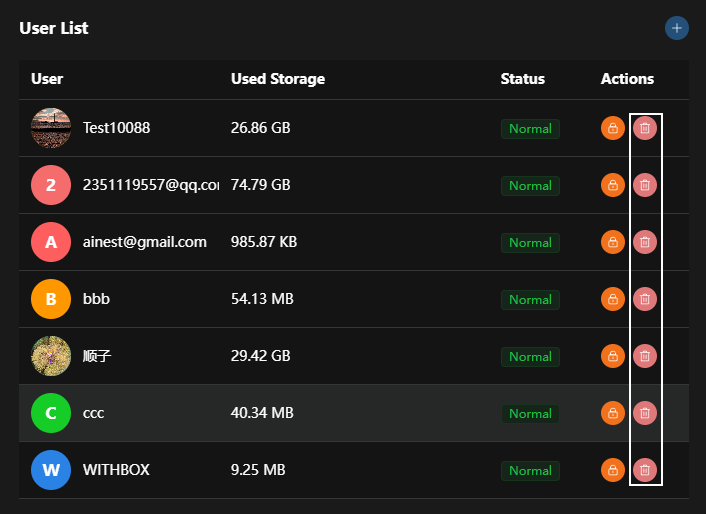
4. Click the lock icon: Lock account (temporarily disable)
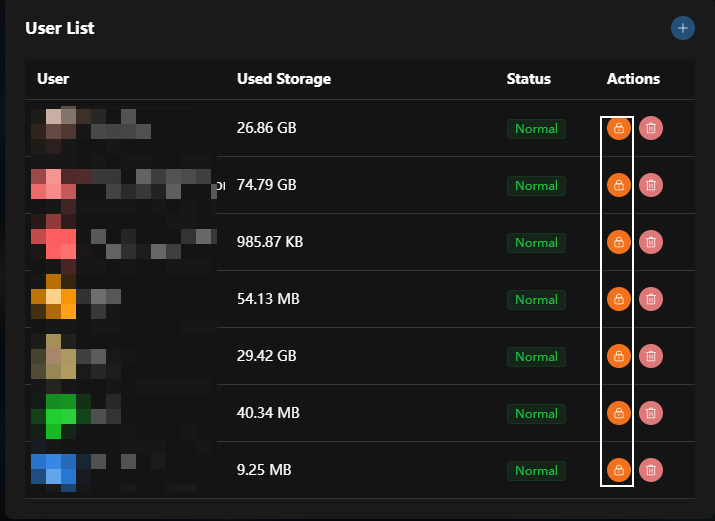
5. Click the delete icon: Delete account (permanently remove)