How to Modify Personal Information?
How to Modify Personal Information?
WITHBOX Personal Information Modification Steps
1、To modify the nickname, tap the blue circular avatar in the upper-left corner of the homepage to open the personal settings pop-up.
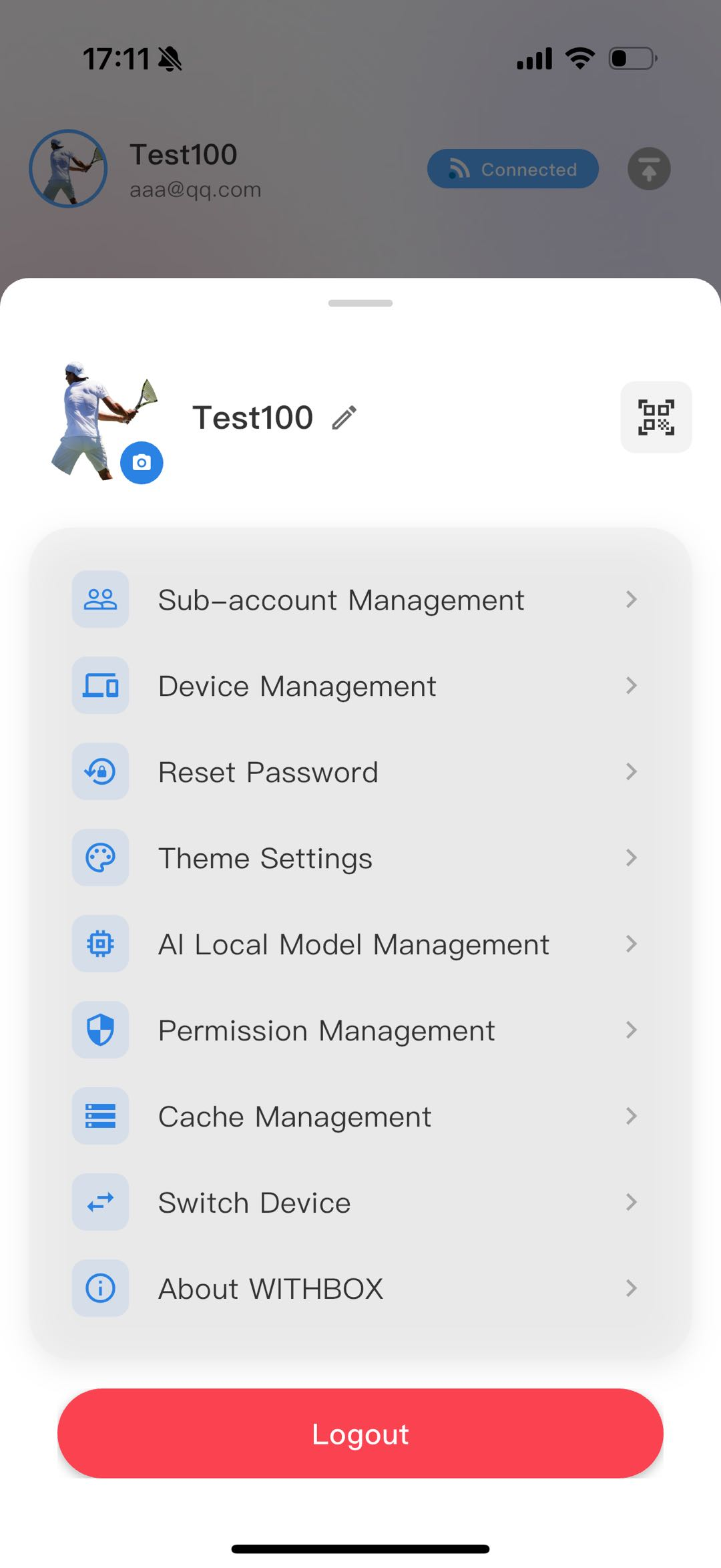
2、点击现有昵称的编辑“铅笔”图标,点击即可编辑。在弹窗输入新昵称,点【确定】保存即可。
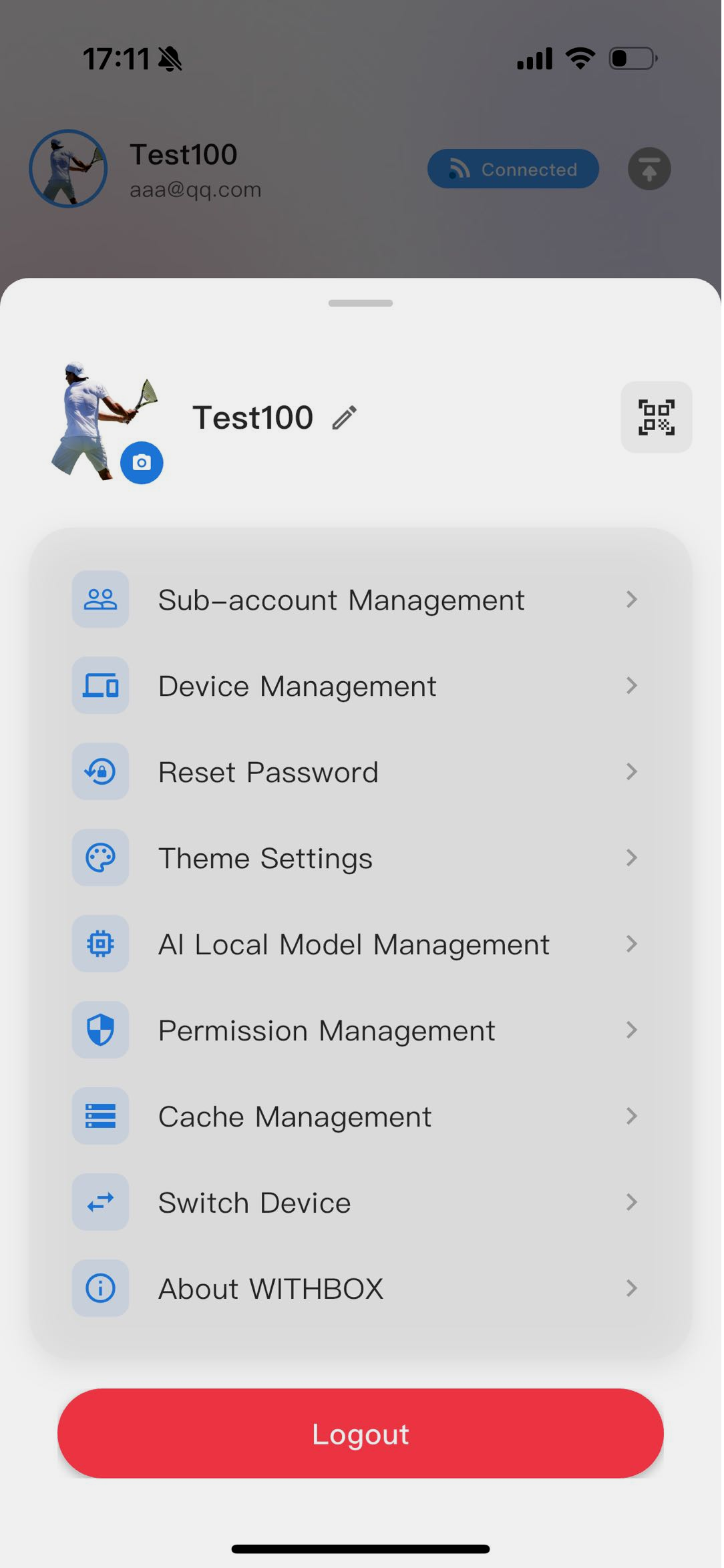
2. Change Avatar
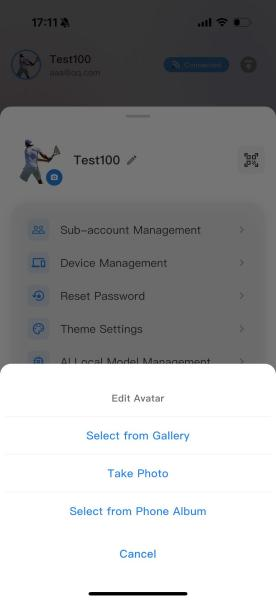
Tap the large circular avatar on the left to open the “Edit Avatar” pop-up.
Options: Take a photo / Choose from Gallery / Choose from Phone Album. Select an image, crop it, and the avatar will be replaced.