How to Register, Log In and Activate the Device Account?
How to Register, Log In and Activate the Device Account?
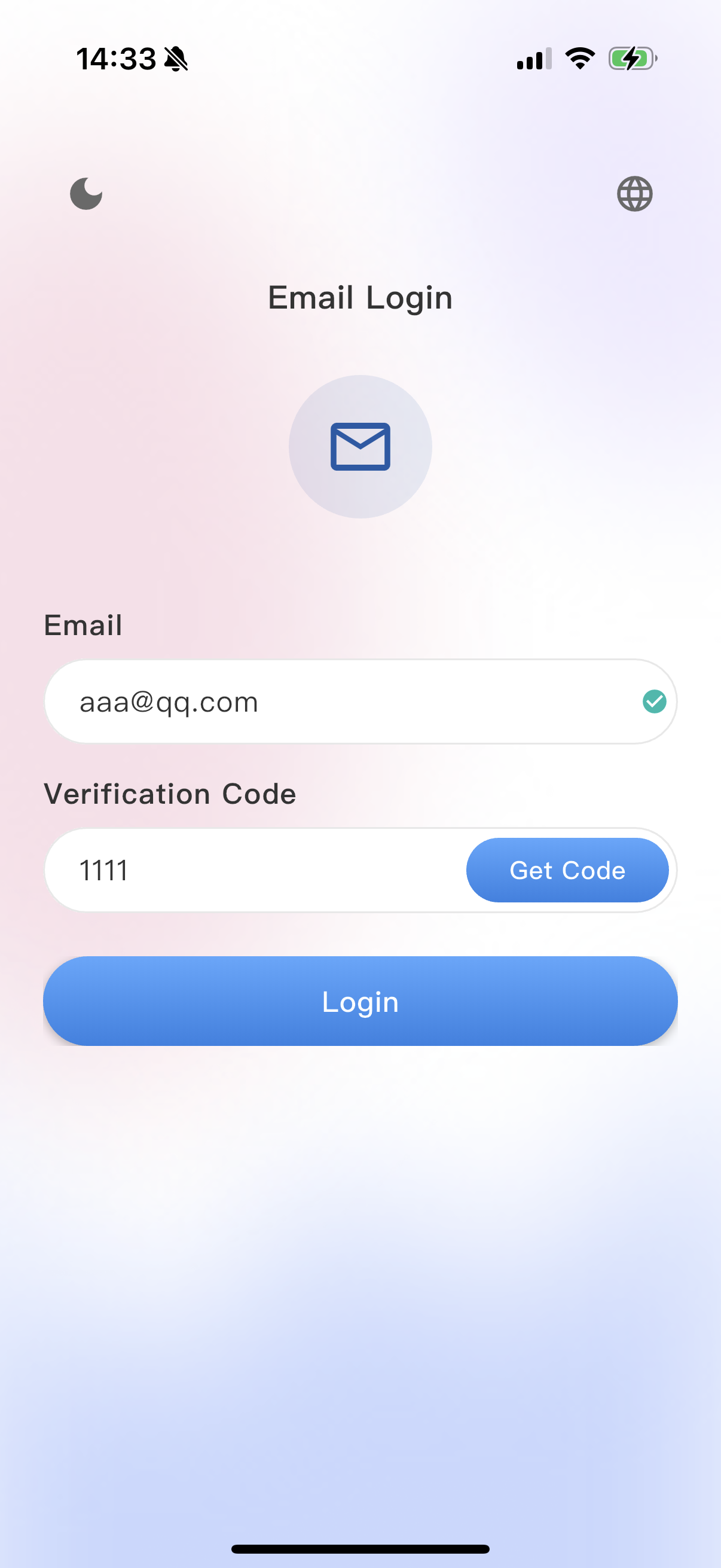
- Open the App and enter the login page. Tap the
 icon in the upper-left corner to switch between light/dark mode; tap the
  icon in the upper-right corner to switch between Chinese and English.
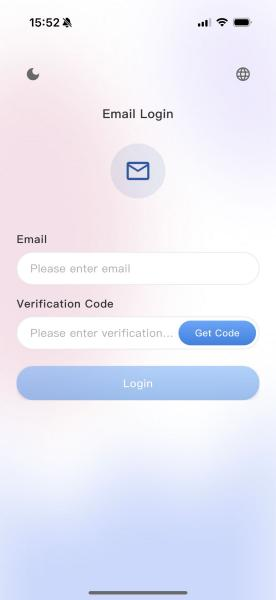
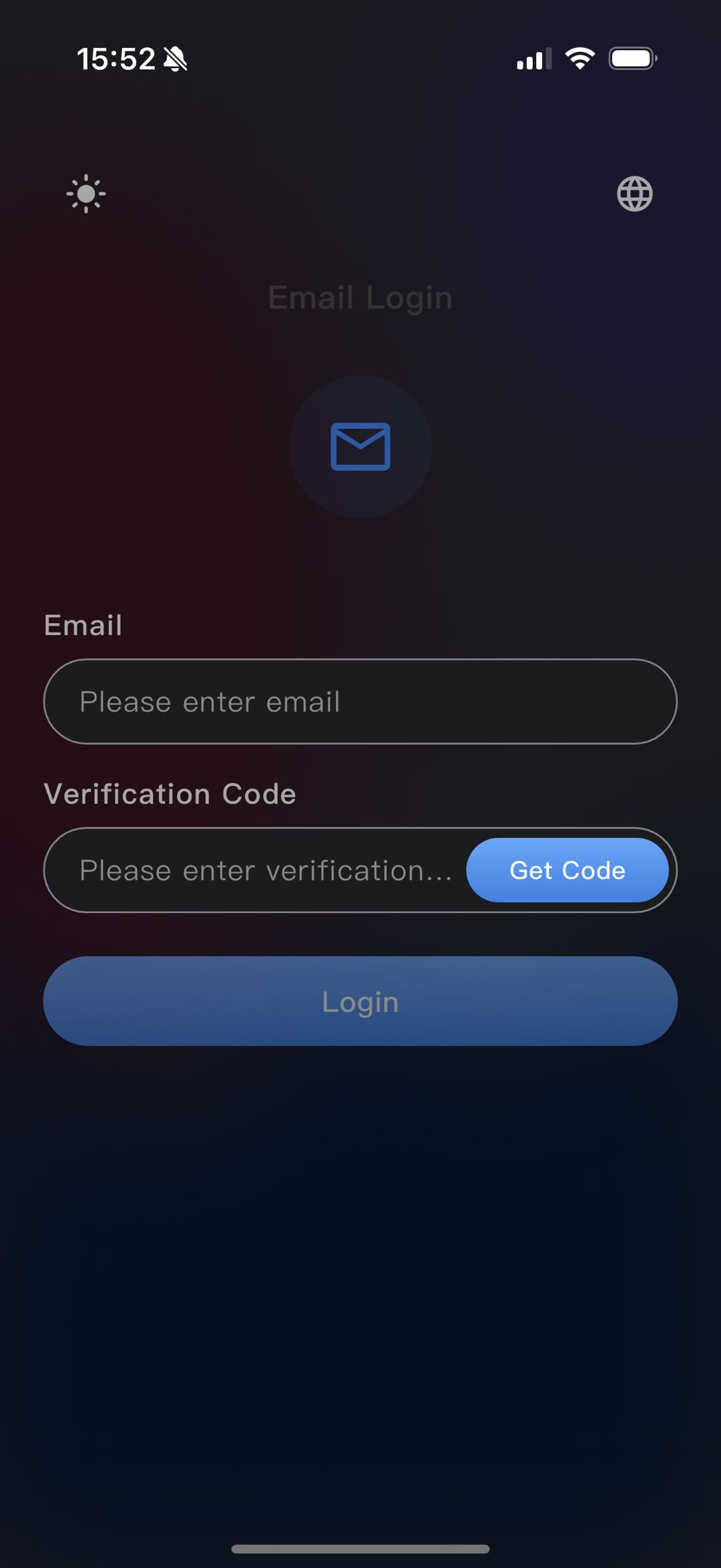
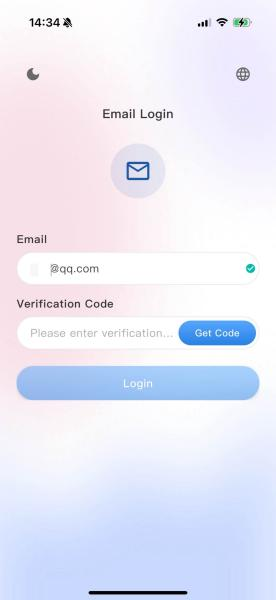
- In the
input field, enter your personal email address.
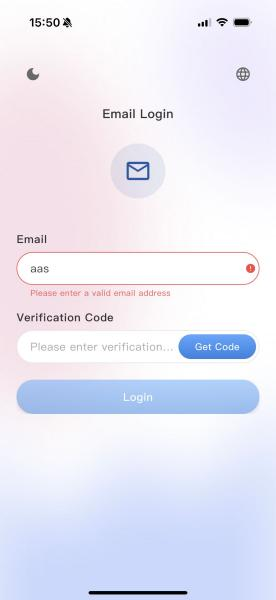
- If the email format is incorrect, a red prompt
will appear. Please verify and correct the format.
- Tap the
button. The system will send a verification code to the entered email address. After receiving the 4-digit verification code, enter it in the corresponding input field.
- Tap the
button at the bottom. Ensure that Bluetooth and GPS are enabled on your phone. You will then enter the device list, where you can locate your device name and tap to activate it.
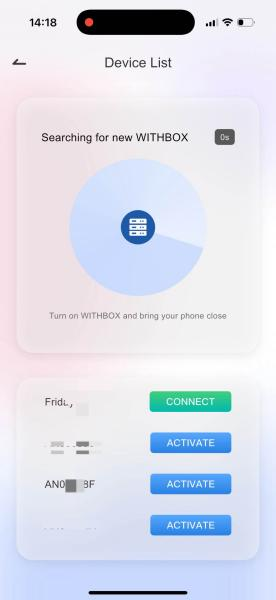
- During activation, assign a name to the device, set a 6-digit device password, and wait for the device initialization to complete.
- RAID Configuration: Select the RAID mode as needed, tap Initialize, and then enter the device management home page to begin normal use.
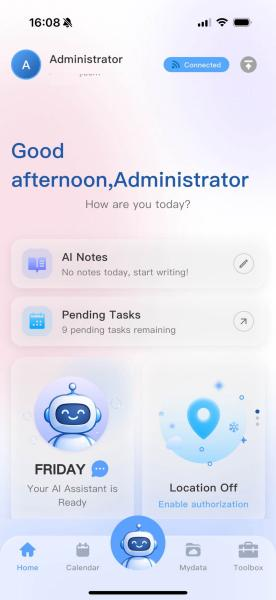
Note: Registration is completed automatically upon first use.
Frequently Asked Questions (FAQ)
Q: What should I do if I don't receive the verification code?
A: 1. Check whether the email address is entered correctly; 2. Check the spam/junk folder; 3. Retry after 60 seconds.