How to Upload Movie Files?
How to Upload Movie Files?
Movie Module Function: After uploading MP4/MKV original disc movie files, the NAS automatically connects to the internet to fetch: poster covers, synopses, release information, etc. It automatically uploads beautifully designed poster cards and precisely categorizes movie files by release date, genre, and language.
l In the app’s bottom navigation bar, tap the “My Data” option (the fourth icon from the left, cloud-shaped) to enter the data category page.
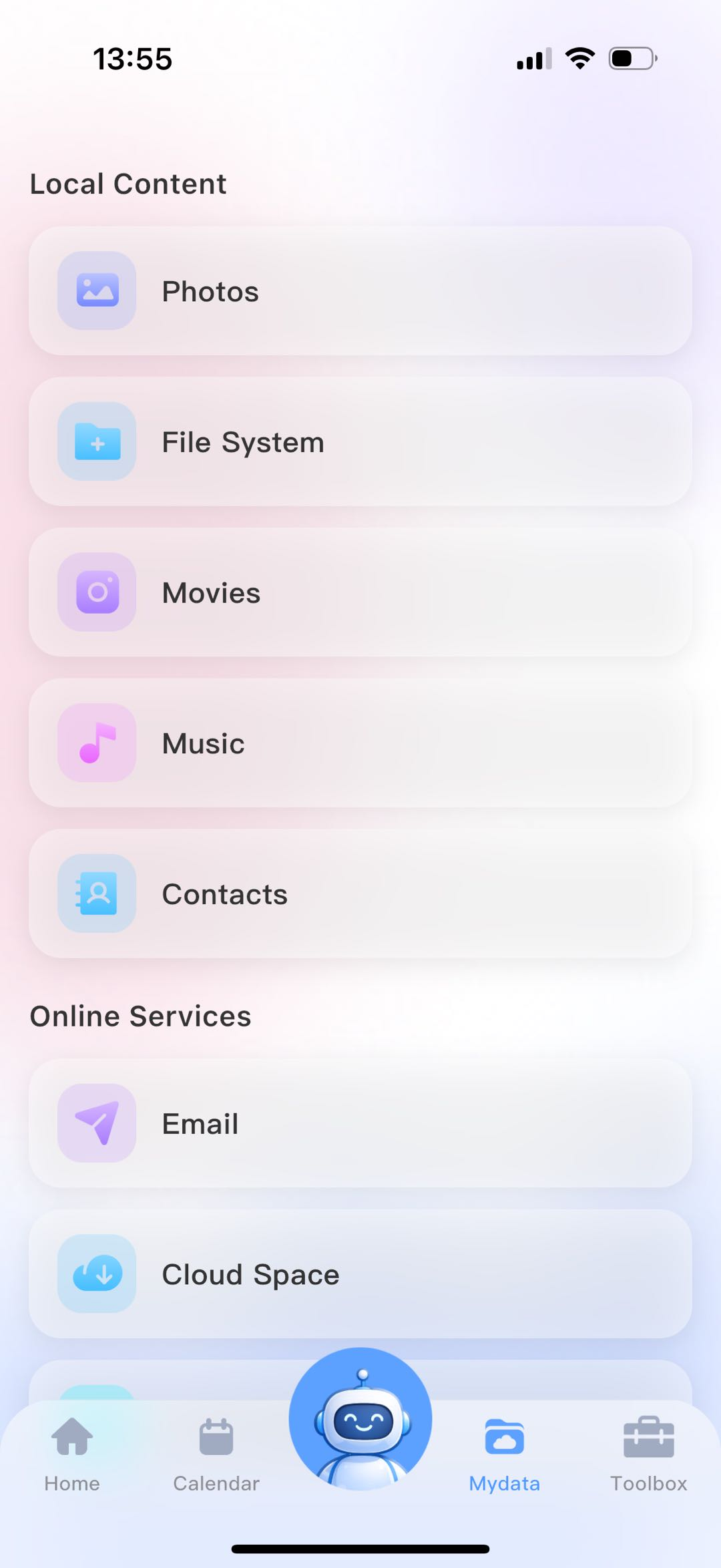
l In the Local Content section, select the Movies & TV option to jump to the media resources homepage.
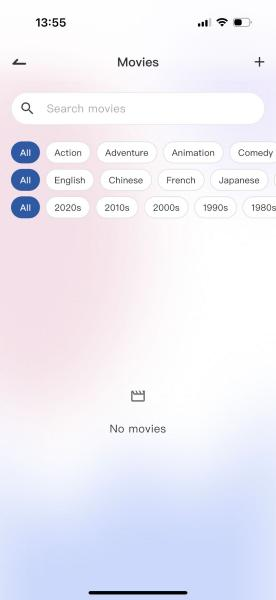
l Tap the “+” button in the upper-right corner of the Movies & TV page; an operation menu will appear at the bottom of the page.
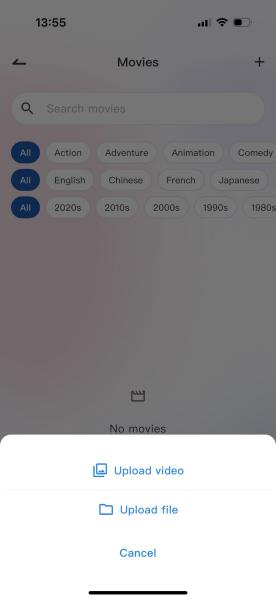
l You can upload regular video files such as MP4, or movie source files.
l Tap Cancel to terminate this upload operation.