How to Upload Music Files?
How to Upload Music Files?
Music Function Description:
Uploaded music files are written directly to the NAS hard drive without being retained locally on the mobile device. After uploading, the source audio files on the phone can be deleted, while the music library resources are fully preserved on the NAS. Custom playlists can be created by selecting songs in bulk from the music library. The system also supports quick filtering by artist or favorites.
1. In the APP bottom navigation bar, tap "My Data" (the fourth icon from the left in the bottom bar, cloud-shaped), and enter the data classification page.
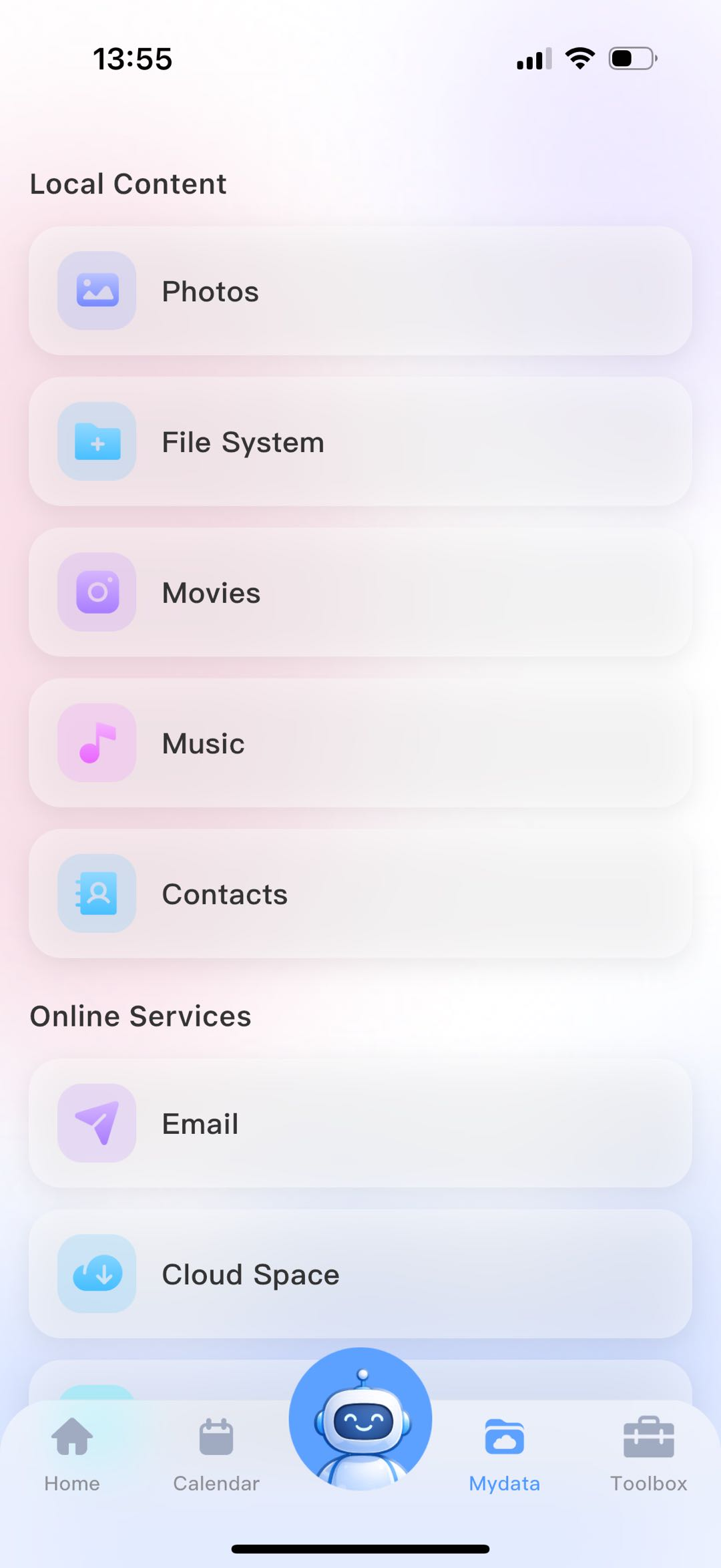
2. In the Local Content section, select the Music module.
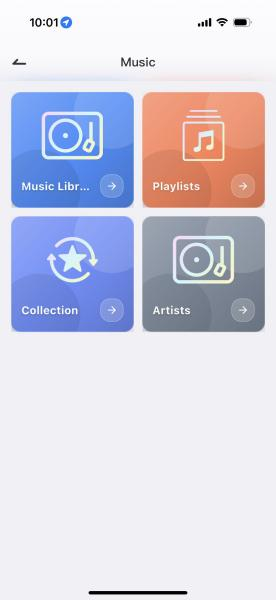
3. After entering the Music module, tap the "+" button in the upper-right corner to select music files from local storage for uploading.