How to Use AI Meeting on the Web?
How to Use AI Meeting on the Web?
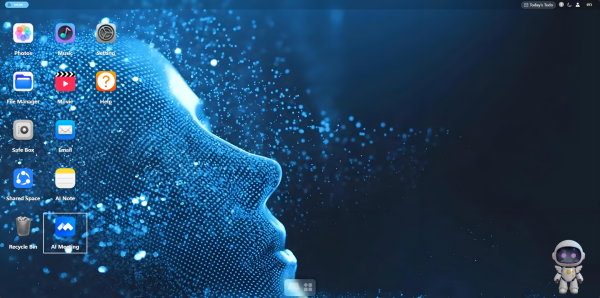
1. Open the application: Click the AI Meeting icon on the desktop to enter the main interface.
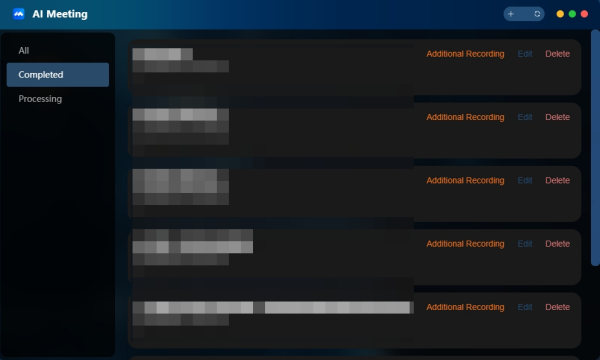
2. Create a new meeting: Click the "+" button in the upper-right corner to enter the recording interface.
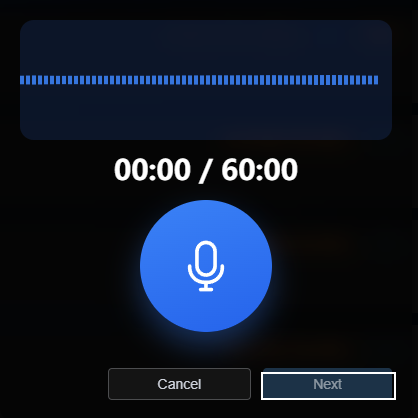
3. Start recording: Click the microphone button to start recording (maximum 60 minutes per session). After the meeting ends, click "Next".
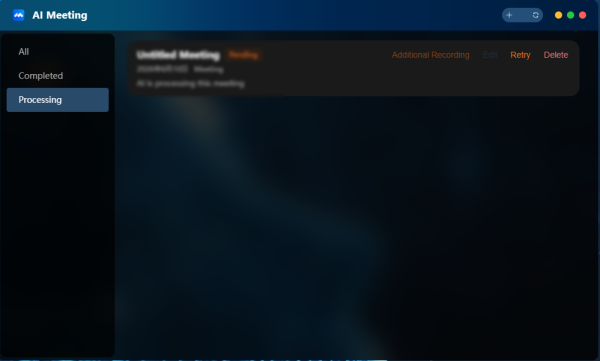
4. Wait for processing: The system automatically generates meeting transcripts with timestamps and speaker identification, and produces meeting minutes. Task status is displayed in the "Processing" list.
5. View and manage: After processing completes, you can play recordings, view transcripts, review meeting minutes, edit content, or delete meetings from the "Completed" list.
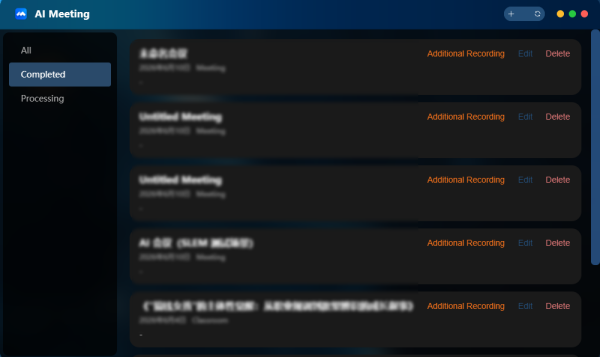
6. Additional recording: If you need to add content after the meeting ends, use the "Append Recording" function. After appending, you can view the additional transcript, and the meeting minutes will be updated.