How to Use the Web Safe Box?
How to Use the Web Safe Box?
Safe Box Features:
The Safe Box provides users with an independently encrypted private storage space on the client side, featuring the following core capabilities:
1. Independent Password System: Supports user-defined exclusive access passwords, isolated from the device system password, forming a dual security defense.
2. Data Encryption Storage: Files stored in the Safe Box are encrypted. Decryption and viewing are only possible after successful verification.
3. Privacy Isolation Protection: Data within the Safe Box is isolated from the regular file system. Even if unauthorized parties gain device access, they cannot view, read, or export any content from the Safe Box without passing password verification, ensuring comprehensive protection of user data privacy.
1. Open the application: Click the Safe Box icon on the desktop.

2. Enter the 6-digit Safe Box password.
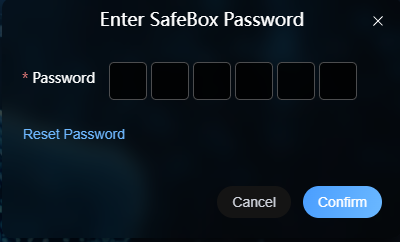
3. After entering the password, you will access the Safe Box interface. Click Upload File in the upper-right corner.
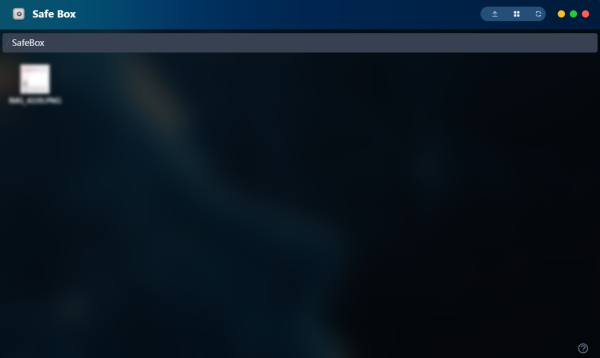
4. After uploading, the uploaded files are isolated from other files and can only be viewed within the Safe Box.