arrow_back BACK_TO_DIRECTORY
How to Create an AI Note on the Web
How to Create an AI Note on the Web
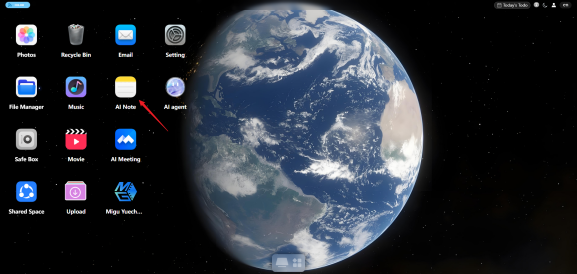
Open the “AI Note” app from the desktop.
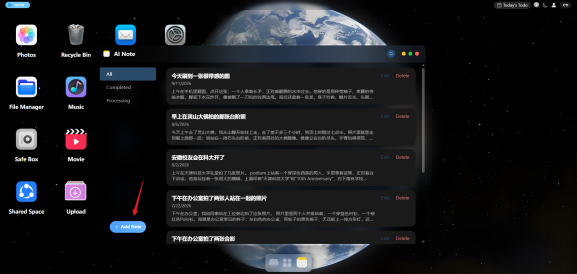
Click “Add Note” in the lower-left corner to open the new note page.
Upload “Photos” as needed and fill in the “Prompt”.
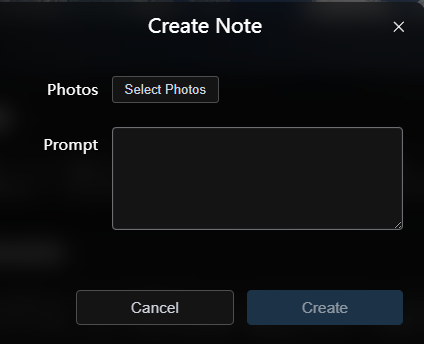
Click “Create” and wait for the AI to generate the note.
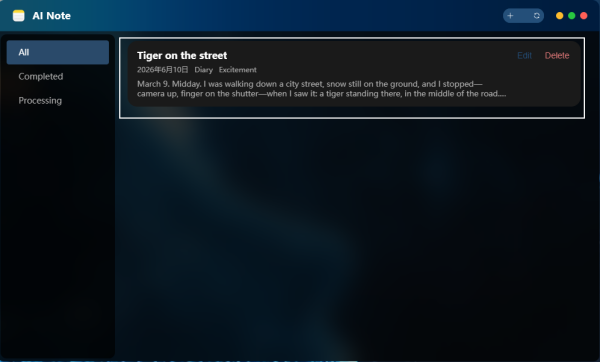
After the note is generated, you can view, edit, or delete it.