arrow_back BACK_TO_DIRECTORY
How to Manage Sub-accounts on the Web
How to Manage Sub-accounts on the Web
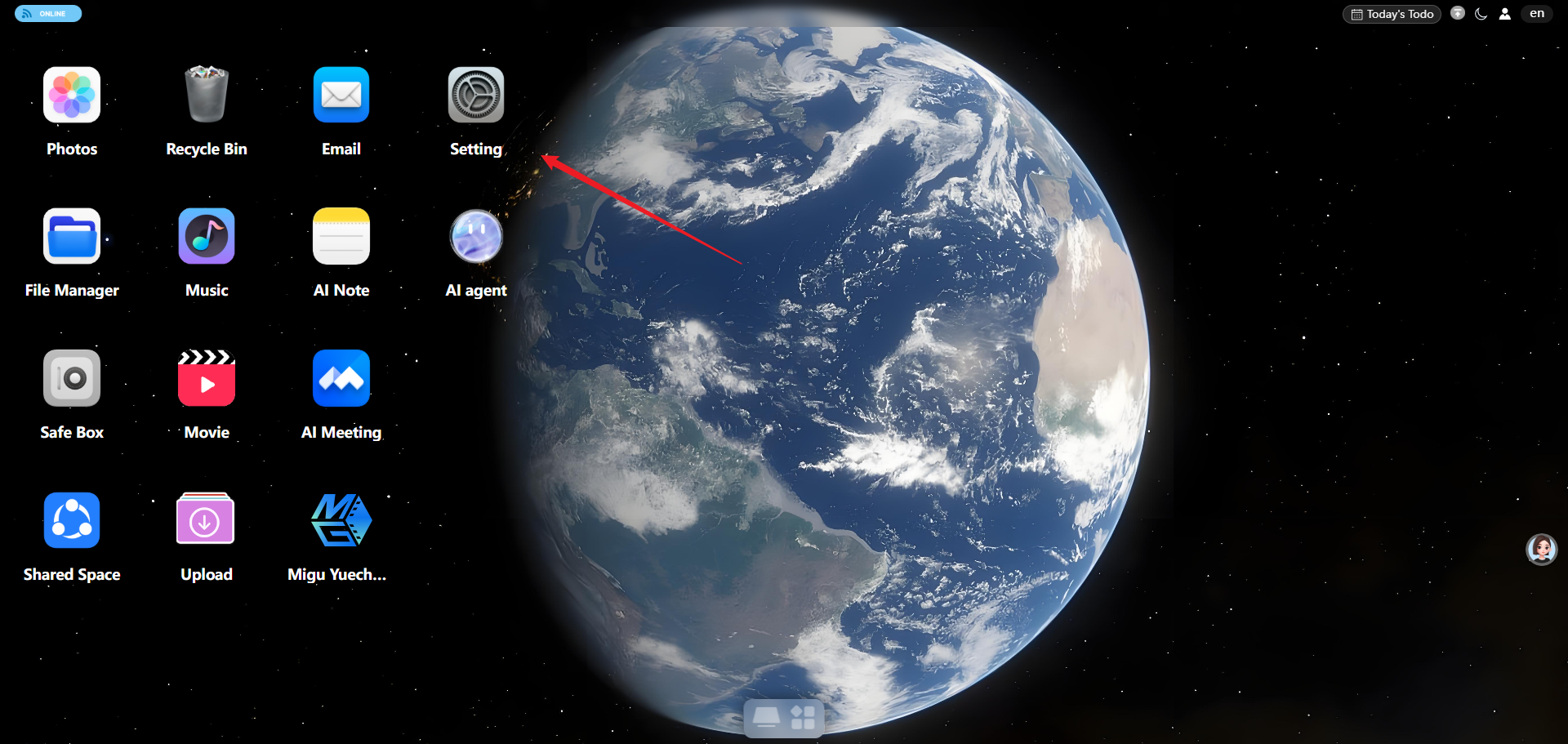
Sign in to the web app → open “Settings”
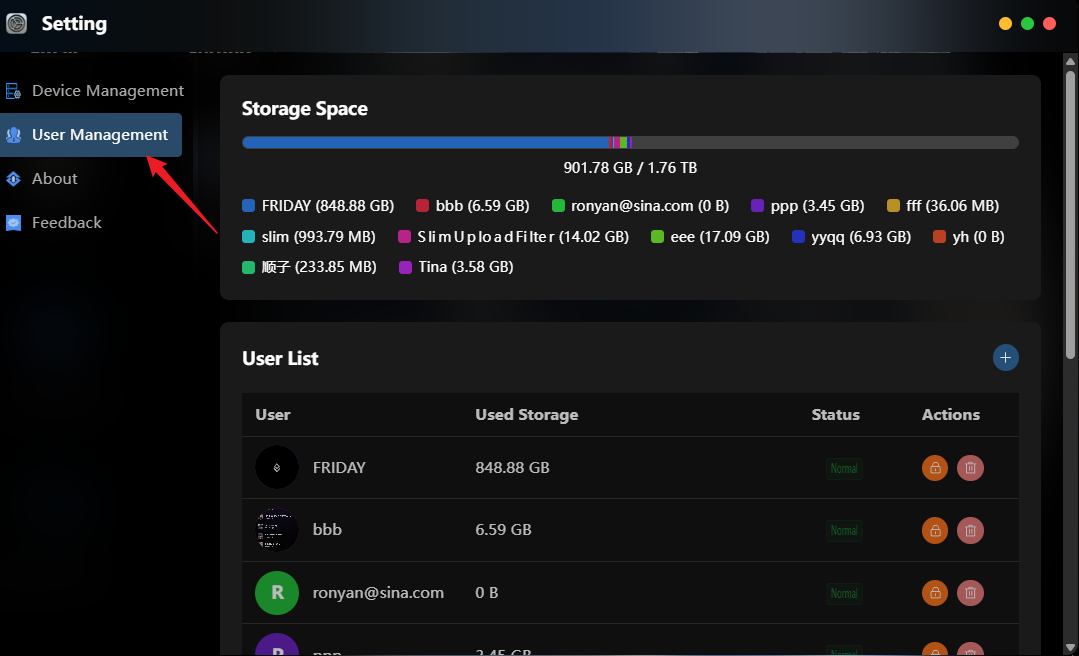
Go to “User Management”. On the right side of the user list you can see each account’s status, used storage, and more.
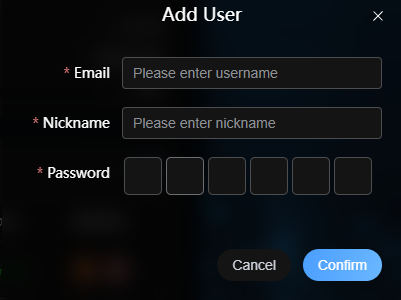
To add a sub-account, click “+” in the upper-right corner → fill in the email / username, nickname, and password → confirm.
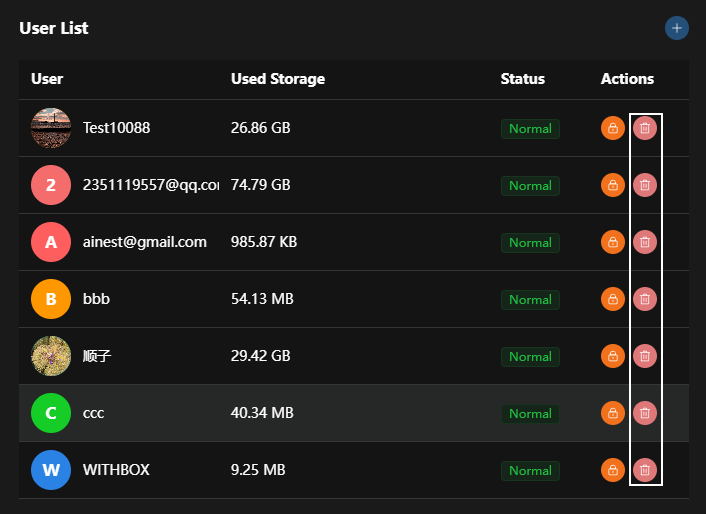
Click the lock icon: lock the account (temporarily disable)
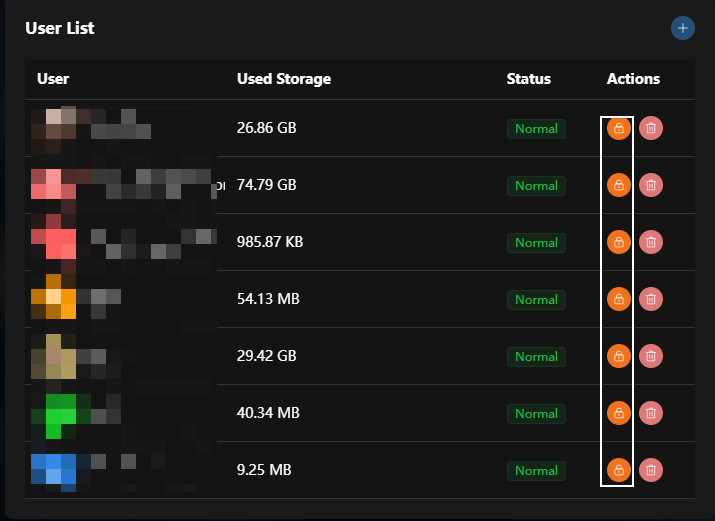
Click the delete icon: delete the account (permanently remove)