Wi-Fi Configuration Activation Process
Wi-Fi Configuration Activation Process
The activation process for connecting to the network over Wi-Fi when the user is not using a wired (Ethernet) connection.
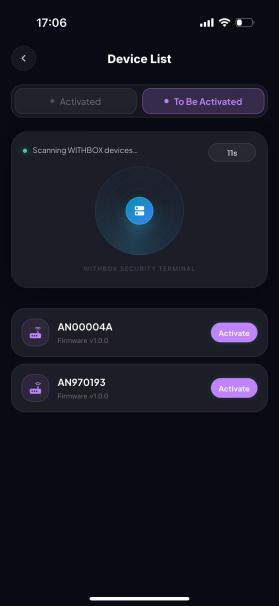
Step 1: Make sure Bluetooth is turned on for your phone. You can then access the device list, find your device name (for first-time activation, the device name is the SN number on the bottom of the device — locate the matching SN number), and tap Activate;
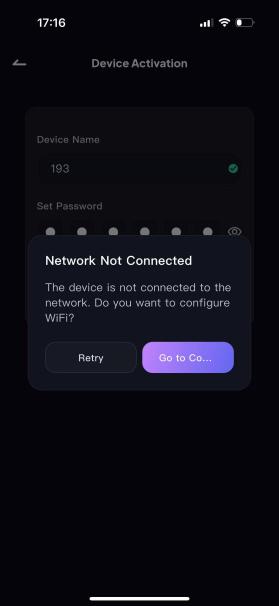
Step 2: A “Network not connected” page pops up during activation; tap Go to Configure.
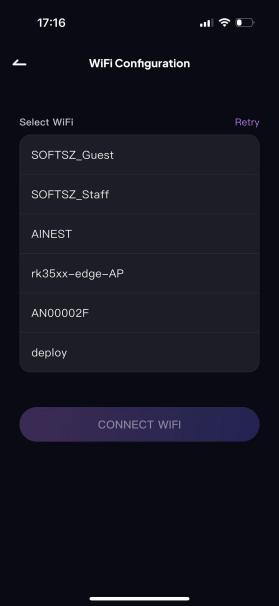
Step 3: Find the corresponding Wi-Fi network, enter the correct Wi-Fi password, and tap Connect to Wi-Fi.
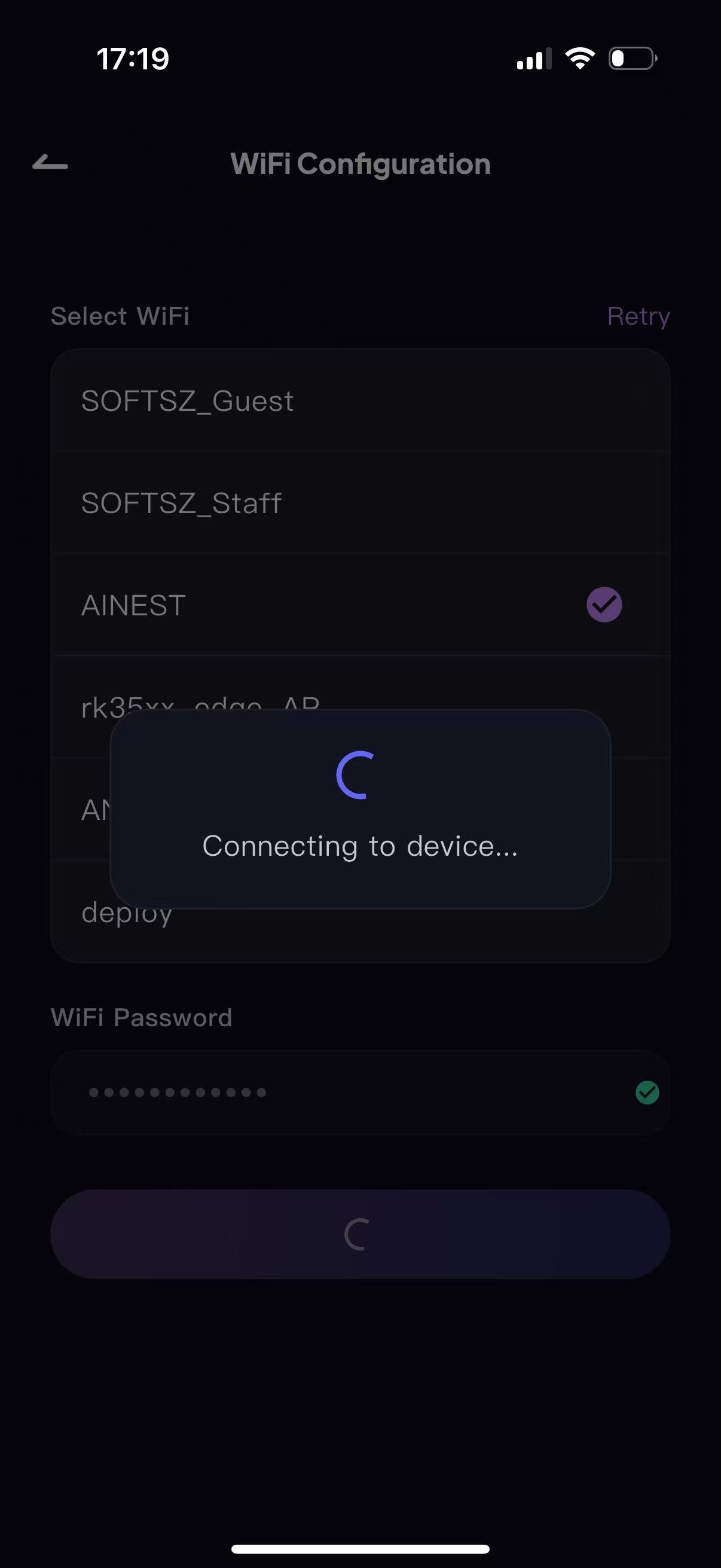
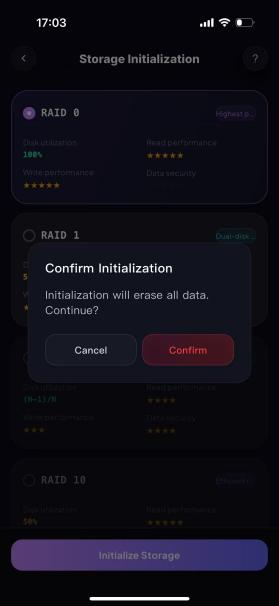
Step 3: Once connected, proceed to storage mode initialization — the RAID mode can be selected as needed (RAID 0 by default; see Table 1 for details on each RAID mode).
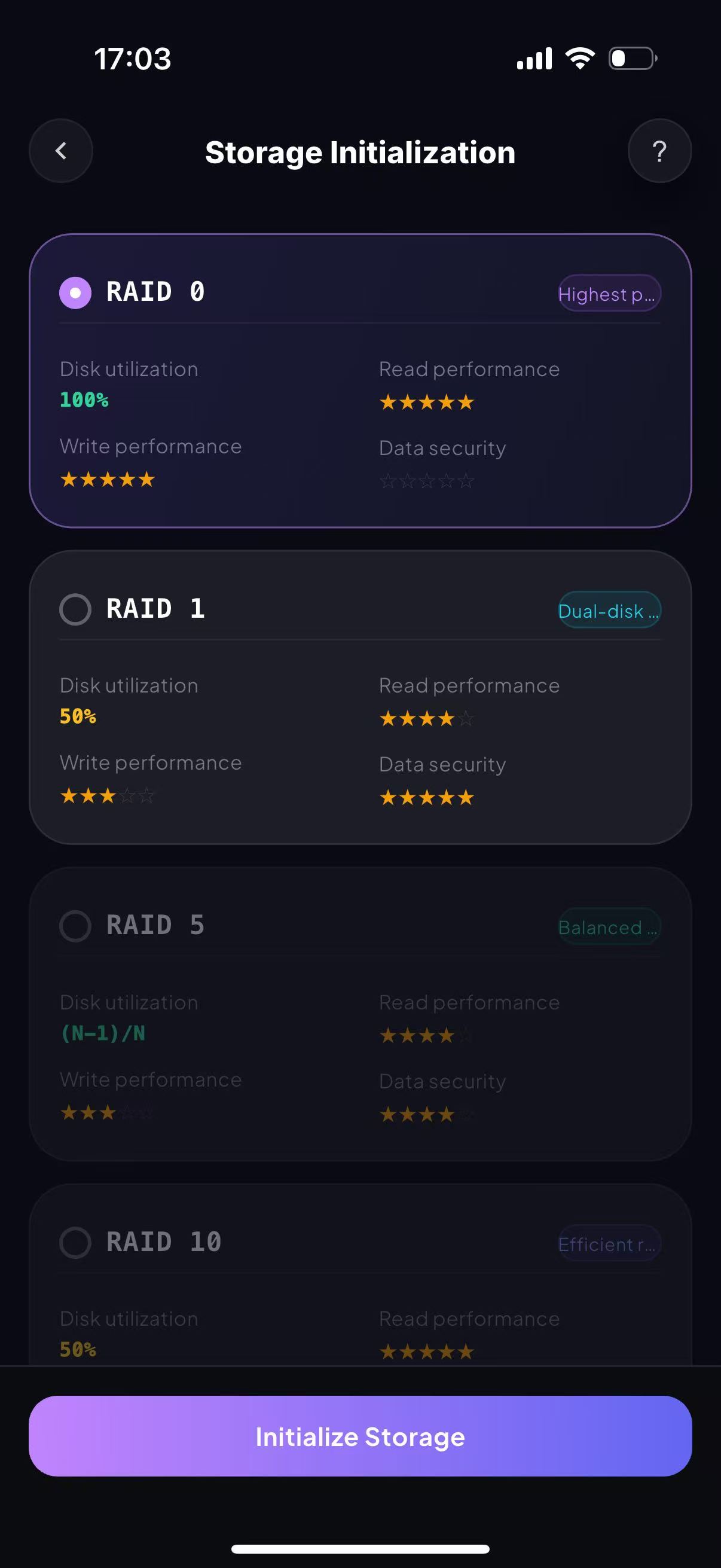
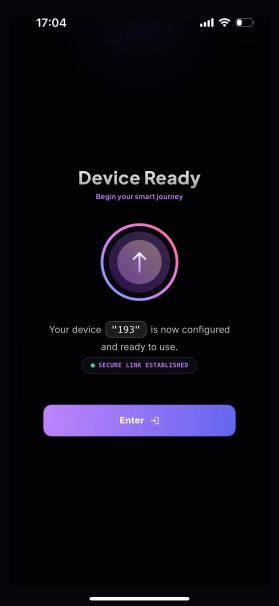
Step 4: Tap Initialize. A confirmation button pops up on the page; tap Confirm to enter the device management home page, and the device is ready for normal use.