arrow_back BACK_TO_DIRECTORY
How to Upload Photos on the Web
How to Upload Photos on the Web
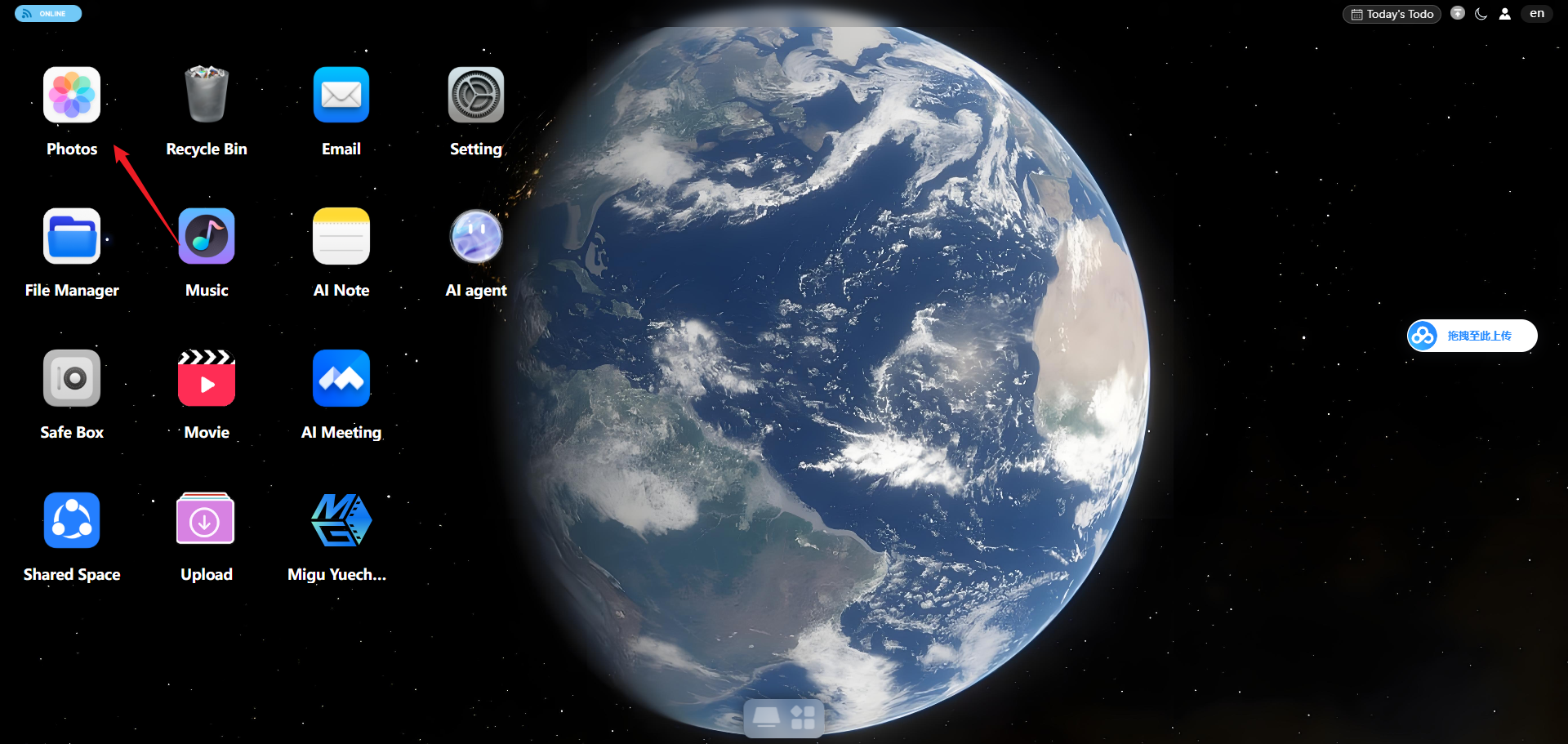
Step 1: Click the Photos icon
Step 2: Click the Upload File button in the lower-left corner to upload files or folders.

Step 3: After uploading, you can view the photos on the Album page.