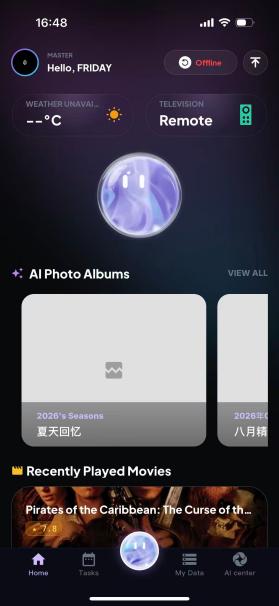
Network Connection Status
Network Connection Status
Based on the different Wi-Fi icons, the connection status is divided into four types. Three are normal connection states, shown as three bars (full signal), two bars and one bar; and one is an abnormal state: offline.
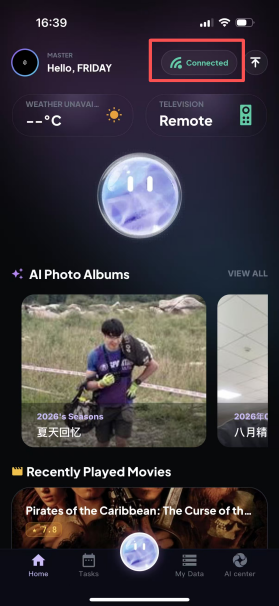
Full signal: indicates a direct LAN connection. As shown in the figure, this is the state of a direct LAN connection. Simply connect the mobile device (such as a phone) and the device to the same Wi-Fi network.
Two-bar signal: indicates a non-LAN connection. In this case, the mobile device and the device are connected via P2P.
One-bar signal: indicates a non-LAN connection. In this case, the mobile device and the device are connected through relay forwarding.
Offline: indicates that either the mobile device or the device is offline and no connection has been established. (From left to right: full signal, two-bar signal, one-bar signal and offline.)